Basic Controls
Play with just the mouse: moving, talking, your bag, and battle commands.
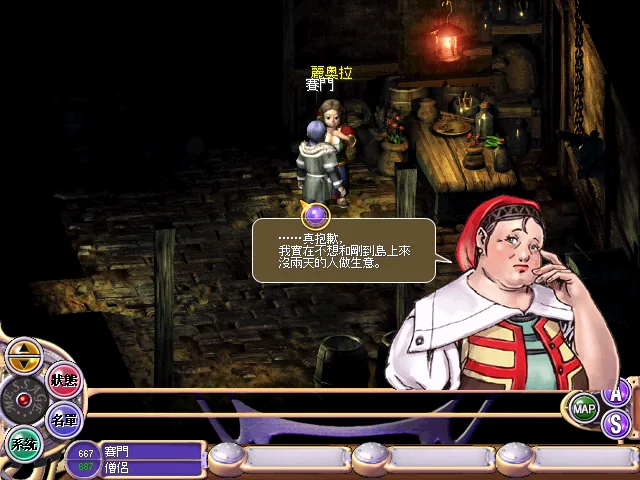
Depth Fantasia is played mainly with the mouse. The screen is fixed at 800×600 and scales proportionally when enlarged.
On the Map
| Action | Description |
|---|---|
| Left-click the ground | Walk to that spot |
| Left-click an NPC | Talk or open the shop |
| Left-click another player | Invite to a party, trade, add as a friend, and more |
| Right-click | Cancel or close a menu |
| Buttons at the bottom of the screen | STATUS, LIST, SYSTEM, and more |
Bag and Equipment
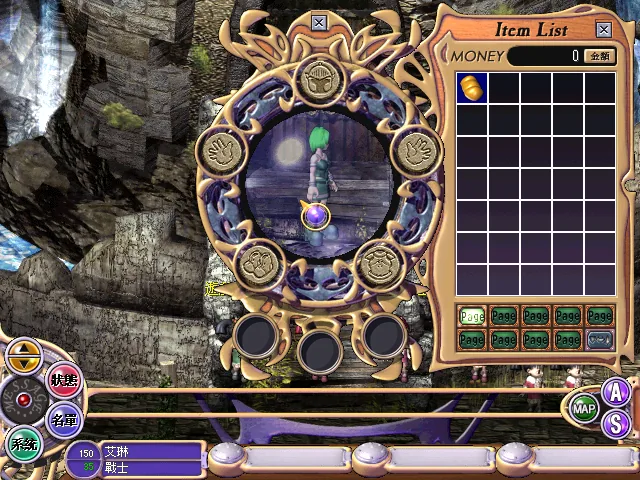
- Your bag is grid-based. Large items take up multiple slots, so remember to keep it organized.
- Drag an item to an equipment slot to equip it. Two-handed weapons take up both hands.
- Unidentified items must be appraised before you can see their true effects (at an appraisal shop, or with an appraisal skill).
In Battle
- Choose attack, skill, item, defend, or flee, then click a target.
- Your character acts once the action time gauge is full. See Battle for details.
- You can turn on auto battle from the battle menu. Right-click or give a manual command to turn it off.
Chat
Type in the chat box to speak. For whispers and the guild channel, see Mail, Friends, and Chat.
Next: Your First Hour